The Company Vacation Calendar can be used to prevent or restrict clients from requesting all or some Services from their client portal in conjunction with Service Availability Controls.
Company Vacations could be planned closures for Staff Training, compulsory time off for all staff, company shut downs, or even closures for renovations. Your planned Company Vacations can be populated for an entire year and added to when required.
How Do I Add a Company Vacation to My Calendar?
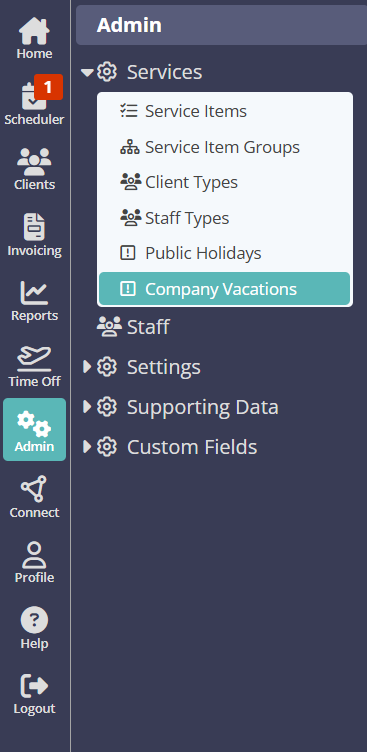
Navigation: Admin > Services > Company Vacations
- Click days to mark as Company Vacations or special dates in the calendar (selected days will be highlighted in yellow).
- If you wish to remove a date, click it again to "un-highlight" it.
- Click "Update."

Was this article helpful?
That’s Great!
Thank you for your feedback
Sorry! We couldn't be helpful
Thank you for your feedback
Feedback sent
We appreciate your effort and will try to fix the article